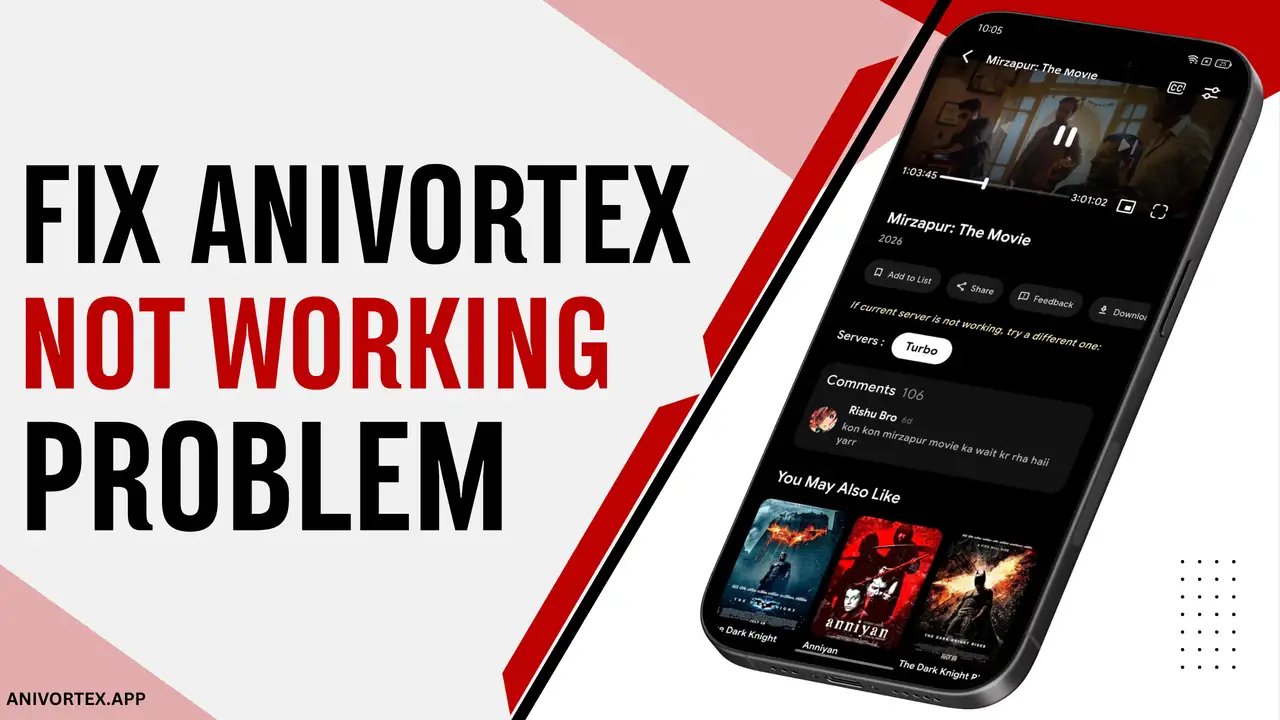
Does the AniVortex app load slowly, crash, or have server issues? No need to worry; these are not uncommon problems and are quite easily fixable. In this guide, we explain why the AniVortex app is having problems and the right way to fix the AniVortex not working issue.
Why Is the AniVortex Not Working?
AniVortex Server Is Down
Older versions of the AniVortex may contain bugs and glitches that can cause the app to break down. Users might experience server issues, and this causes slow loading of the app and content. Besides, the servers on the AniVortex app are not its own, as it uses external streamable links to provide HD movies and shows. These servers might be busy or old, or not functional at all. Whatever the reason may be, without real-time and updated servers, the user will not be able to access and stream the films and series.
Weak or Unstable Internet Connection
Cellular data can be very unstable, as it requires being near a tower in a busy area that provides good network connectivity to the SIM card. If not, then it can be glitchy and disruptive for a streaming service like AniVortex. Hence, it would be a smart decision to connect the device to a WiFi router that will provide a constant, stable connection, even at places where cellular data is weak. The app needs a stable internet connection to run smoothly without any interruptions.
AniVortex App Is Outdated
Sometimes the app does not work mainly because it is not updated. An outdated AniVortex app can cause various issues like crashing and lagging. In other words, the app can’t match the current servers and system it needs to display its content. Therefore, it is always recommended to keep all apps updated so none of them fail when needed.
Device or OS Compatibility Issues
The user must check the device’s compatibility with the AniVortex app before installing it. If the system requirements do not align, then the app will refuse to launch on the device, leading to total failure and disappointment for the viewer. Without the proper match-up and synchronisation, it will result in a blank screen where the app is unable to load its interface and content for its viewers.
The streaming links may sometimes be broken or not available for various reasons such as faulty servers and the removal of content. This can cause frustrating disruptions for users who are thrilled to watch the latest films and series. Regular updates and maintenance are necessary to ensure a seamless streaming experience and to provide viewers with consistent access to quality content.
Effective Ways to Fix AniVortex Not Working
Lower the Video Quality
AniVortex app has a vast HD streaming service designed to provide viewers with a vivid, flowing, and fully engaging experience that is very close to watching regular TV and visiting a real movie theatre. However, if someone encounters issues on the app where their streaming is getting hindered, the user can reduce the video resolution so that the session is free from disruption.
Clear AniVortex Cache and Data
One of the best ways to enhance the streaming performance of AniVortex APK as well as its overall performance is to clear the app cache. Building cache data over time can slow down page loading and may cause glitches. One can do this by going to the device settings, finding the AniVortex app, and selecting the option to clear the cache. This simple step can free up storage space and remove any corrupted files, allowing the app to run smoothly, and viewers can enjoy it without any issues in seamless streaming.
Update or Reinstall AniVortex
If the user is using an older version of the AniVortex app, then the domain will surely have outdated servers and missing links with several non-responsive features and channels. To restore the joy of the AniVortex app, the user is advised to use the latest version of the app to obtain the latest links and newest titles in the database to stream films and series as before.
Allow Necessary App Permissions
In order to ensure the AniVortex app works at its best, viewers have to grant the required permissions to the app, such as for storage, network access, and location, which are necessary for the app to work properly ensuring a seamless streaming experience for users. In the absence of these permissions, users may encounter issues such as buffering or inability to access specific content, impacting their overall enjoyment of the platform.
Try a VPN or Different Network
A VPN service for online streaming keeps viewing patterns encrypted, removes ISP bandwidth caps, and allows a safe connection to the library of AniVortex while travelling. It’s recommended that the user activate their VPN, which will spoof their location, allowing them to access the app page.
AniVortex Still Not Working? Try These Quick Fixes
Restart Your Device
One of the easiest yet most effective ways to resolve issues with AniVortex is to reboot your app or device. If the app isn’t functioning properly, try closing it completely and then reopening it. This can often resolve minor glitches that may be causing the issue. If this does not work, please restart your device. This will clear out temporary files and refresh the system, and often this will bring your app back to life.
Free Up Storage Space
AniVortex needs some spacious storage on the device’s memory to work properly. Users can do so by clearing out junk files, uninstalling old apps and moving important documents to cloud storage. To improve the streaming experience for viewers and avoid interruptions, it is recommended to clear old downloads and cache data quite often.
Disable Battery Saver
Streaming an HD or 4K video requires extensive processing. Buffering and dropped frames are the result of the CPU’s inability to keep up. In an attempt to conserve energy, the battery saver mode restricts the bandwidth and processing power of the device. While playing music or videos, this results in significant buffering, frame rate drops, and distorted audio. Hence, it is crucial to disable battery saver mode when streaming.
Final Verdict
AniVortex App has grown extremely popular across the internet, and it is an ideal streaming service for cinephiles. It offers all sorts of quality content free of charge from other OTT platforms. It provides safe content, and regular updates make it reliable. Although plenty of users stumble upon a no-cost streaming service that offers a huge content collection, we recommend caution because of possible software issues and malicious files or servers.